Neutral by design
Draft outside any single AI platform, then copy the result into the external service you choose.
Prompt Whiteboard for macOS
When you work across multiple AI tools, keep the current prompt in one neutral Mac space. Revise it, copy it, send it, and move on.
No prompt library. No archive pressure. No management.
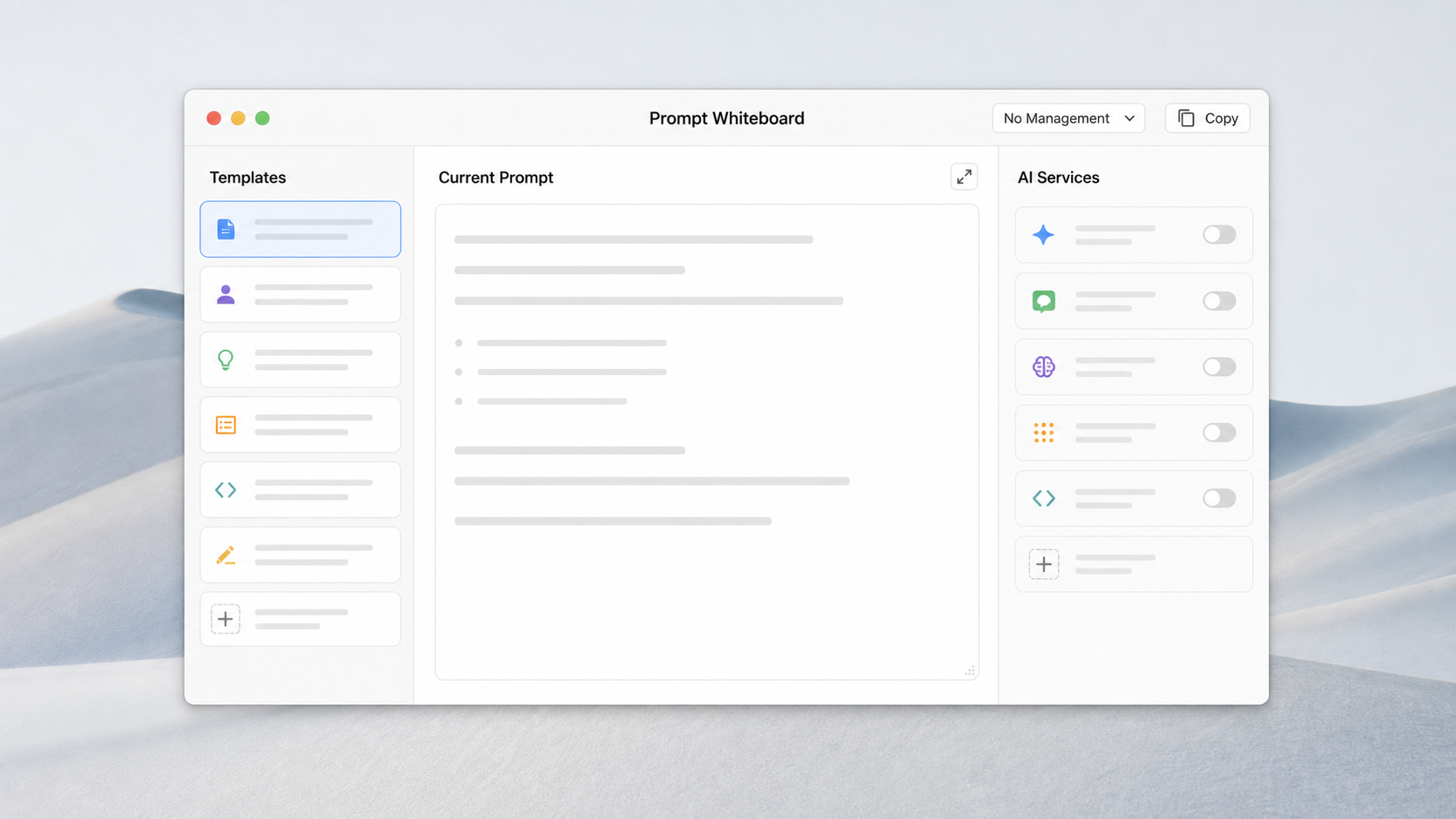
Most prompt tools help you save, tag, sort, and revisit every prompt. Prompt Whiteboard is built for the moment before you send: the messy, useful, temporary space where the prompt gets better.
Draft outside any single AI platform, then copy the result into the external service you choose.
No folders, tags, prompt vaults, or automatic archive of every experiment. Use it like a real whiteboard.
Drafts, preferences, and workspace state stay on your Mac unless you choose to copy, save, or open an external service.
The product stance
Not every prompt needs to become an asset. Many prompts are temporary thinking space for the task in front of you.
A quiet desktop workspace for drafting, tightening, saving when needed, and copying when ready.
Mac App Store
Download Prompt Whiteboard from the Mac App Store to keep a local-first prompt workspace on your Mac. The web version remains available for quick browser-based drafting.
Short answers for search engines, AI assistants, and humans comparing prompt tools for Mac.
Prompt Whiteboard for macOS is a local-first AI prompt editor for drafting and refining the prompt you are working on before copying it into an external AI assistant.
No. It is designed as a temporary whiteboard for the current prompt, not as a library, vault, or archive for every prompt attempt.
No. The macOS app helps you draft, edit, copy, open, and save prompt text. It does not answer prompts or upload them to an AI model.
Prompt Whiteboard for macOS is available on the Mac App Store. You can also use the browser version from the web app link.